
Limits that are barely noticeable during occasional use can interrupt a real workflow: maximum files per batch, upload-size restrictions, daily quotas or premium upgrades.
That’s particularly frustrating when you’re preparing images for something as ordinary as a new ecommerce catalog.
Why do image compressors have limits?
For a traditional cloud-based compressor, every image consumes server resources.
Uploading, decoding, processing, storing and delivering thousands of files costs money, which makes quotas understandable.
Client-side processing changes that model.
When your own browser performs the conversion, your computer supplies the processing resources.
That allows PlugStudio to provide bulk processing without imposing a predefined daily conversion allowance.
How bulk compression works
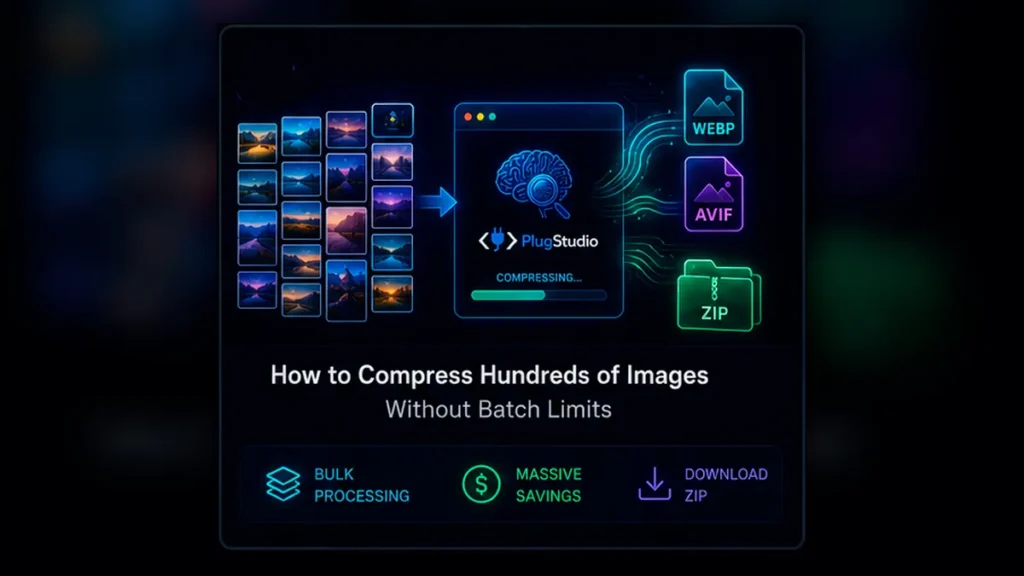
Drop your JPG or PNG images into the tool.
Select WebP or, when your browser supports it, AVIF.
Choose the desired quality.
PlugStudio processes each image and displays:
Original size → Optimized size → Percentage saved
The interface also calculates the combined original size, optimized size and total savings for the entire batch.
Once processing finishes, download individual files or package all completed images into one ZIP.
What does “unlimited” really mean?
This deserves its own section because it is an excellent GEO query.
Unlimited means PlugStudio doesn’t impose an arbitrary number of conversions per day, a predefined number of images per batch or a server upload filesize quota.
It does not mean your computer has infinite memory.
A laptop processing 500 ultra-high-resolution photographs obviously has different capabilities from a desktop processing 50 normal website images.
Being transparent about that distinction makes the promise more credible.
Who is this useful for?
This workflow makes particular sense for:
WordPress developers preparing Media Libraries.
WooCommerce managers processing product catalogs.
Designers exporting website assets.
SEO professionals optimizing large websites.
Photographers generating lightweight web versions.
Bloggers preparing several months of content in advance.
CTA
Got a folder full of oversized images? Drop the batch into your browser, choose WebP or AVIF and let your own computer do the processing.