You finally got your brand new, perfectly crisp SVG logo from your designer. You try to upload it as your Instagram or Facebook profile picture, and… Error: File format not supported. It is incredibly frustrating, but there is a technical reason behind it.
Why Social Media Platforms Reject SVGs
SVG (Scalable Vector Graphics) files are essentially text files filled with XML code that tell the browser how to draw geometric shapes. Because they contain code, they pose a potential security risk (like Cross-Site Scripting) if malicious scripts are injected into them. To protect their billions of users, platforms like Instagram, TikTok, and Twitter completely ban SVG uploads and require safe raster formats like JPG or PNG.
The Solution: Rasterize to PNG
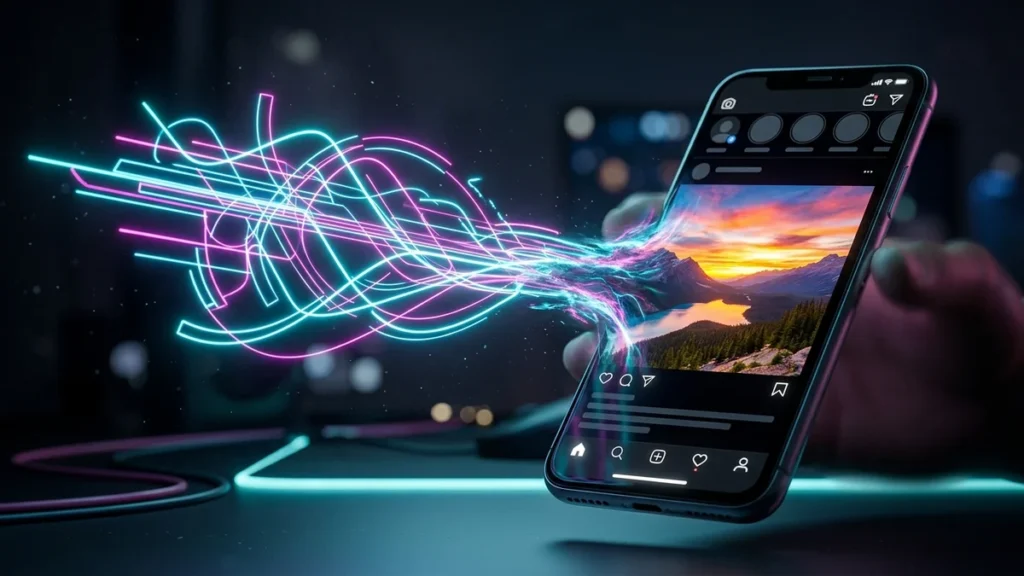
To upload your beautiful logo, you need to convert it from a Vector to a Raster graphic. While you could use a JPG, it will give your logo a solid white background. The absolute best format for social media logos is PNG, because it supports transparent backgrounds.
Instead of downloading heavy software, you can use a client-side SVG to PNG Converter. You just drag your SVG file into the browser, set your desired export resolution (e.g., 1080×1080 for Instagram), and instantly download a high-quality, transparent PNG that is ready to be uploaded to any social media platform.
FAQ
What size should I convert my SVG to for Instagram?
For Instagram profile pictures, converting your SVG to a 1080×1080 pixel PNG will ensure it looks incredibly sharp on all Retina displays and smartphones.
Will converting my SVG to PNG lose quality?
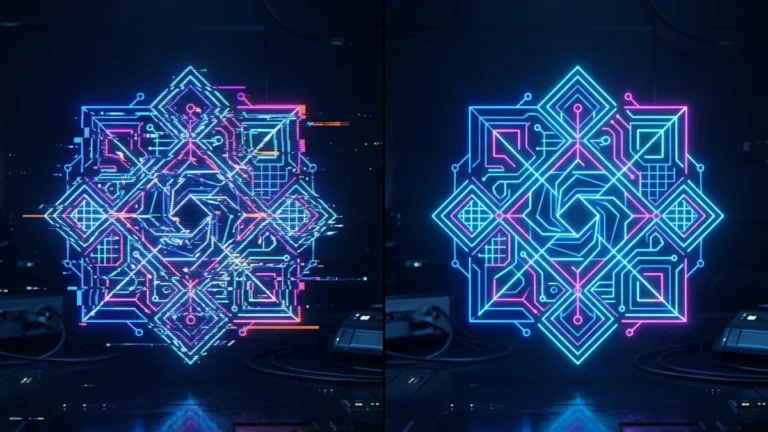
SVGs have infinite resolution. When you convert it using a good tool, you can specify exactly how many pixels you want. As long as you export it at a high resolution, there will be no visible quality loss.
Can I use JPG instead of PNG for my logo?
You can, but JPG does not support transparency. If your logo has a transparent background, saving it as a JPG will automatically fill the background with solid white or black.