
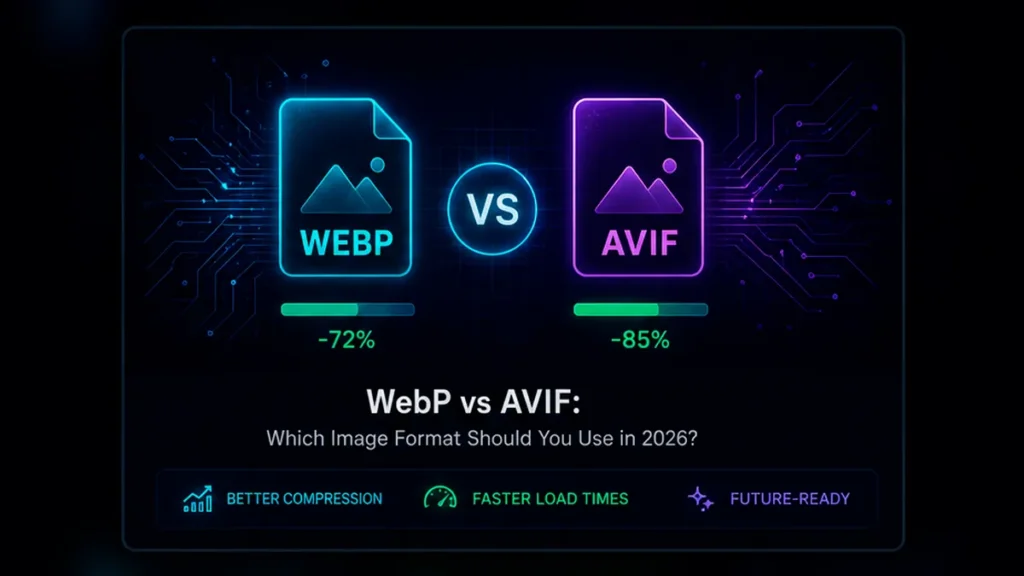
WebP has become an extremely practical replacement for traditional JPEG and PNG assets. Google notes that WebP images are commonly around 25–35% smaller than comparable JPEG or PNG files.
AVIF uses newer compression technology and can often produce even smaller files, particularly with photographs and complex imagery.
So which one should you choose?
H2: Choose WebP when compatibility and simplicity matter
WebP is an excellent default format for websites.
It combines strong compression with broad browser support and works particularly well for product photography, blog images, thumbnails and landing-page assets.
If you manage a WordPress website and want a straightforward replacement for oversized JPEG files, WebP is usually the safest starting point.
Choose AVIF when minimizing file size is the priority
AVIF is particularly attractive when every kilobyte matters.
Large hero images, photography-heavy pages and mobile experiences can benefit from its higher compression efficiency.
The trade-off is workflow complexity. Software and browser support for displaying AVIF is now widespread, but image encoding capabilities can still differ between browsers and tools.
For that reason, PlugStudio automatically checks whether your browser supports AVIF export before enabling that option.
Does Google index WebP and AVIF?
Yes.
Google Search currently lists both WebP and AVIF as supported image formats, alongside JPEG, PNG, GIF, SVG and others.
That means there is no inherent image-SEO disadvantage to using either format correctly.
The simple recommendation
For most websites:
WebP = excellent default.
AVIF = excellent option when obtaining the smallest possible image is more important.
And you don’t need to decide based on theory alone.
Convert the same source image into both formats, compare the resulting filesize and visual quality, and use the version that works best for that particular image.
CTA
PlugStudio lets you change the compression quality from 1–100% and immediately recalculates the optimized versions, so the user can compare filesize instead of blindly trusting a preset.